Before the meeting
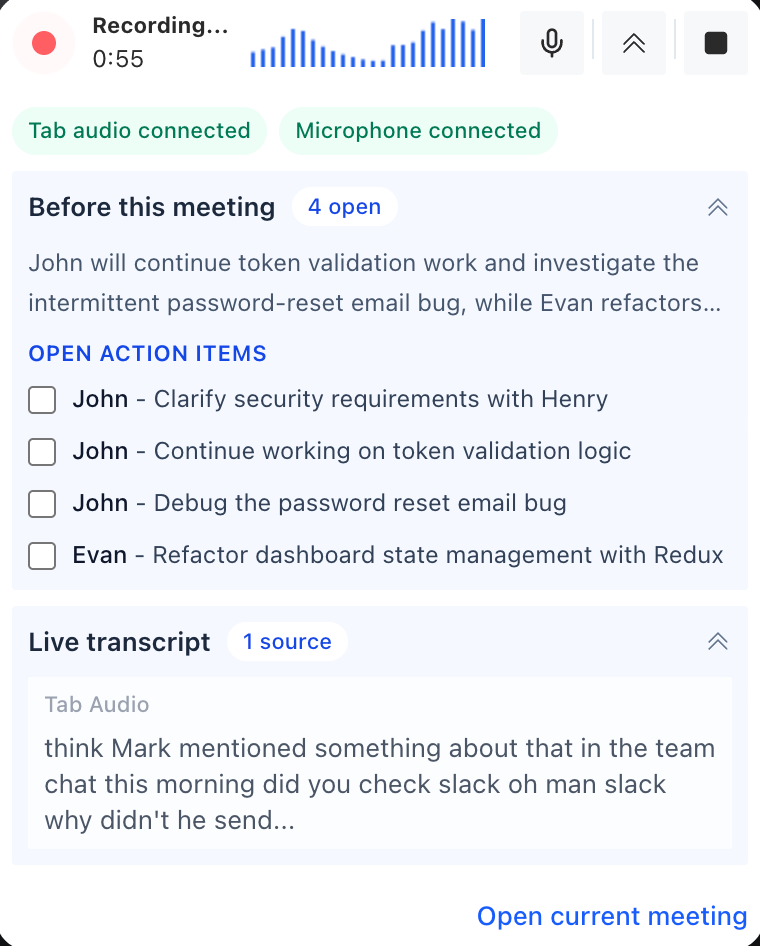
Review previous action items and bring the right context into recurring calls.
AI Meeting Assistant brings previous action items into your next call, captures transcripts and summaries, and helps you send a clear follow-up when the meeting ends.
Built for teams that want meeting notes, transcripts, and follow-up without changing how they meet.
400+
users trusted AI Meeting Assistant
2.4K+
meetings held across Google Meet, Zoom, and Teams
85K+
minutes transcribed into notes and action items
Product walkthrough
Watch how to start recording, capture a transcript, and get meeting notes with action items after your call.
Before, during, and after every meeting
AI Meeting Assistant helps teams prepare with context, capture what happens, and turn every call into a clear follow-up without changing where the meeting happens.
Bring previous action items and a short summary from past meetings into the next call.
Record the conversation and generate transcripts, summaries, decisions, and action items automatically.
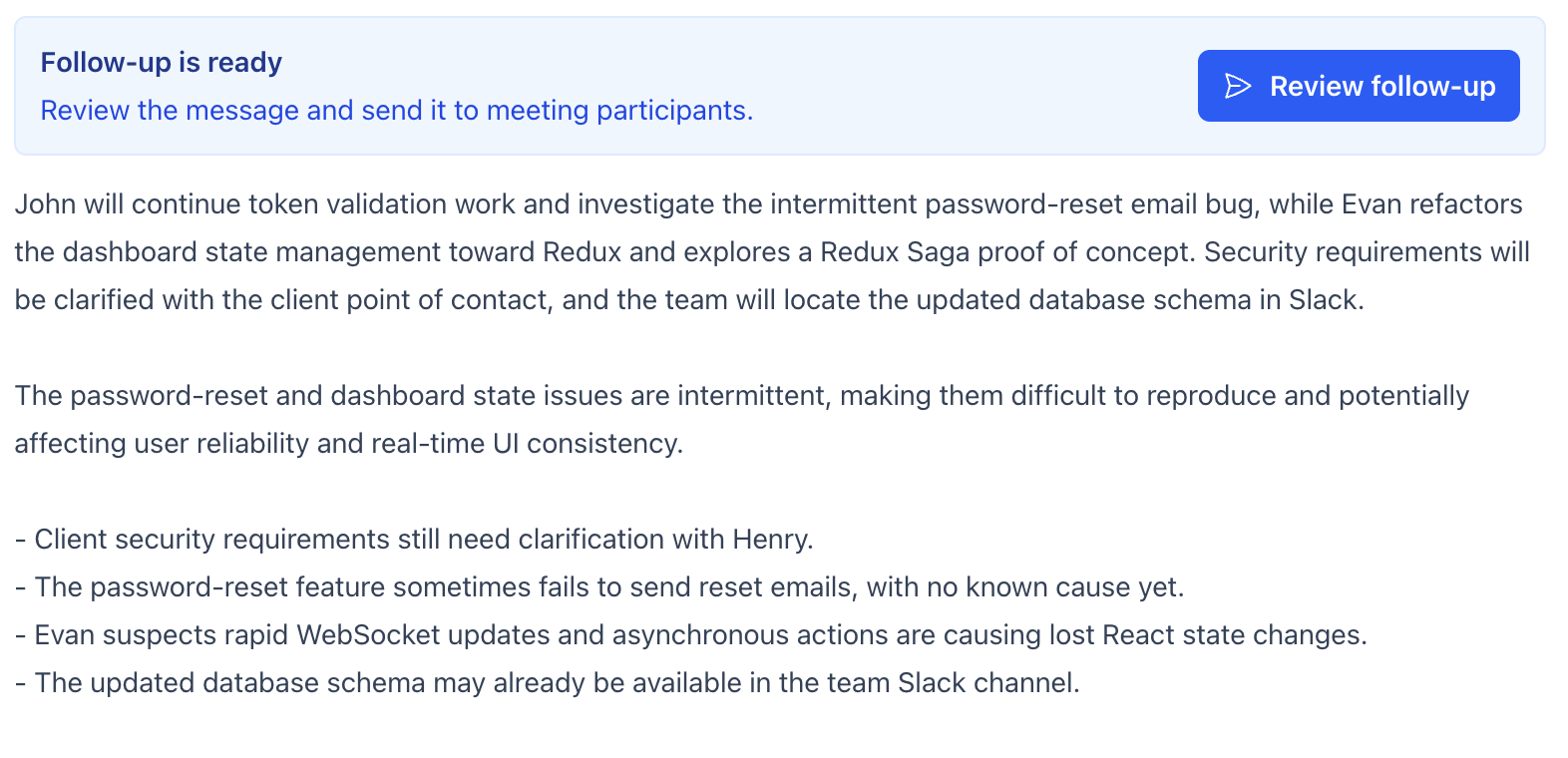
Send a clear follow-up after the meeting with decisions, owners, and next steps already organized.
AI-powered meeting assistant
AI Meeting Assistant is built for teams that need a meeting assistant AI workflow, not another place to manually rewrite what happened. It helps before, during, and after the call so every meeting has a clear record.
See how it worksReview previous action items and bring the right context into recurring calls.
Use a live AI meeting assistant to capture the transcript, key moments, decisions, and follow-up work.
Turn the conversation into meeting notes, a concise summary, and action items your team can send or review.
Our AI note taker listens, understands, and structures everything automatically so you can actually participate in the meeting instead of writing notes by hand.
Learn how AI Meeting Assistant automatically generates meeting notes and action items.Get a concise AI meeting summary the second you hang up, without rewriting the call yourself.
Tasks are automatically identified and assigned to the right team members, making it easy to extract action items after every call.
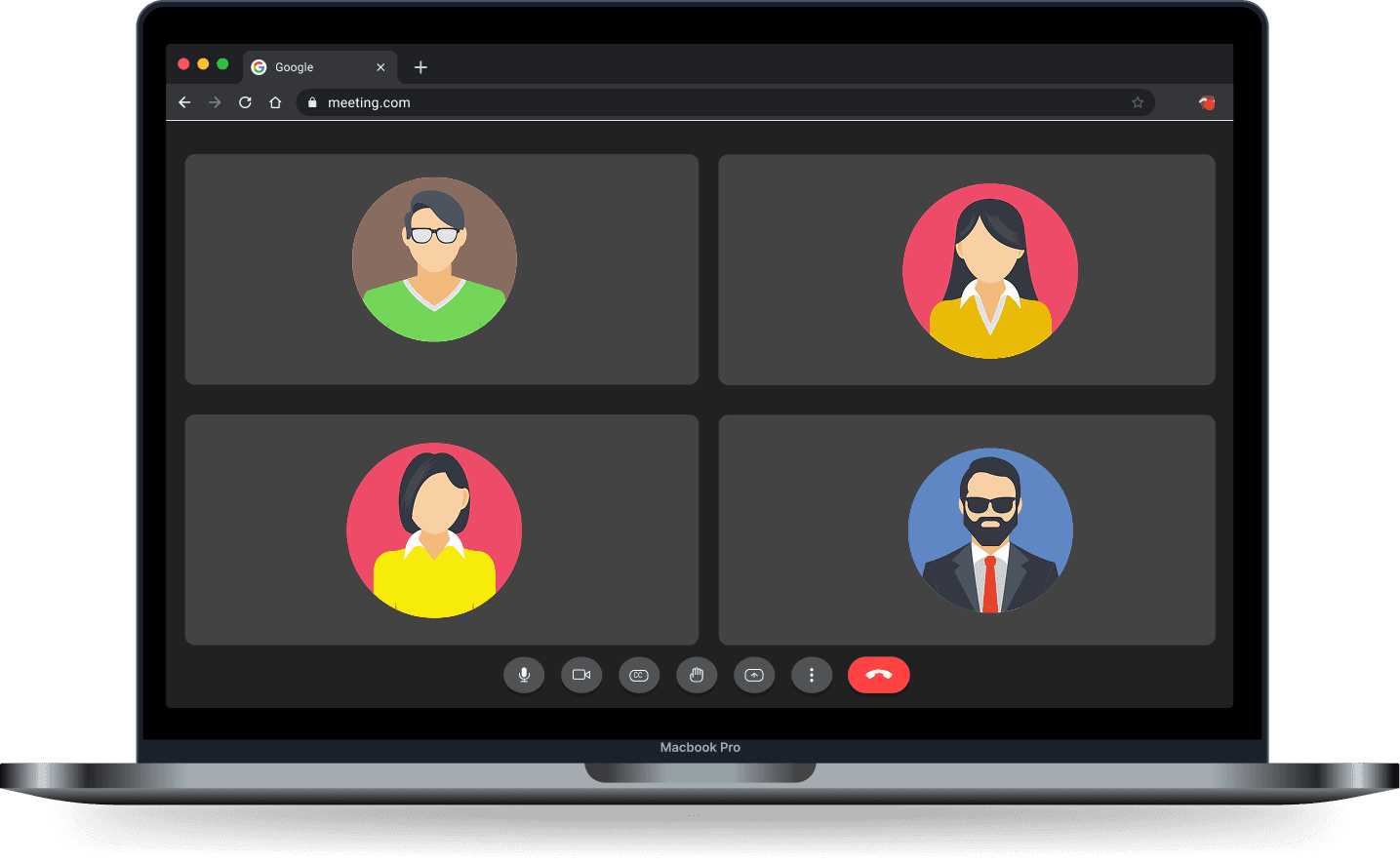
Create a meeting transcript or Google Meet transcription workflow with native support for Google Meet, Zoom Web, and Microsoft Teams.
Why wait until the meeting is over? AI Meeting Assistant works like a live AI meeting summarizer, highlights what matters, and captures action items in real time right alongside your video call.
As soon as the call ends, receive a perfectly structured final report with your meeting summary, meeting transcript, and action items neatly categorized.
Simple, transparent pricing
Every plan keeps your meeting history local. Pay for more cloud AI, longer calls, richer meeting preparation, and automatic follow-up — never for access to your own notes.
$0
to try the full workflow
Capture a few real meetings before deciding whether AI Meeting Assistant fits your workflow.
$0
with a free account
Keep a lightweight meeting habit with a renewable monthly allowance and local meeting memory.
$9.99
per month · or $79/year
Turn recurring meetings into an automated workflow with longer calls and richer AI results.
Follow-up stays useful on Free
Generate, review, edit, and copy your follow-up without paying.
Pro handles delivery
Send through Meetings Assistant or automate recurring follow-ups.
Your local history stays yours
Review and export locally stored meeting records without a paid subscription.
Pro renews automatically for the selected monthly or annual period until cancelled. Prices, currency, and the billing period are confirmed before payment. See our User Agreement and Refund Policy, or review the service provider details in our Legal Center.
See how AI Meeting Assistant stacks up as an Otter alternative, Fireflies alternative, and other popular meeting note taker tools.
| Feature | Best Choice AI Meeting Assistant | Otter | Fireflies |
|---|---|---|---|
| Chrome extension | ? | ? | |
| No signup | |||
| Free | |||
| Works in browser |
FAQ
A quick look at how this Google Meet note taker fits into real meetings, what it captures, and why it is useful before, during, and after the call.
Once the extension is open in Google Meet, Zoom Web, or Microsoft Teams, it listens to the conversation, generates a live meeting transcript, and turns that into summaries, action items, and key decisions while the call is still happening.
AI Meeting Assistant is built for Google Meet and also works with Zoom Web and Microsoft Teams in the browser, so teams can keep one meeting note taker and meeting summarizer workflow across the tools they already use.
No. You can add the Chrome extension and start using this free meeting note taker right away without a long setup flow, which makes it useful for quick team calls, demos, and internal meetings.
Yes. The assistant acts as an action item generator by identifying tasks, owners, and important next steps automatically, then organizing them into a clean post-meeting report so nothing gets buried in a long transcript.
Yes. When preparation is enabled, AI Meeting Assistant can bring previous action items and a short summary from the meeting series into the next call, so teams can continue from the last discussion instead of starting from scratch.
It does both. You get live insights during the call and a polished AI meeting summary after the meeting, which is especially helpful when you need to stay engaged instead of manually typing notes.
Users can try this free AI meeting assistant in Chrome before deciding whether it fits their meeting workflow.
If you are comparing an Otter alternative, Fireflies alternative, Fathom alternative, Read AI alternative, Tactiq alternative, or Notta alternative, AI Meeting Assistant is built for teams that want browser-based meeting notes, transcripts, summaries, and action items in one place.
Join thousands of professionals who save hours every week on meeting notes.
Add to Chrome — It's Free