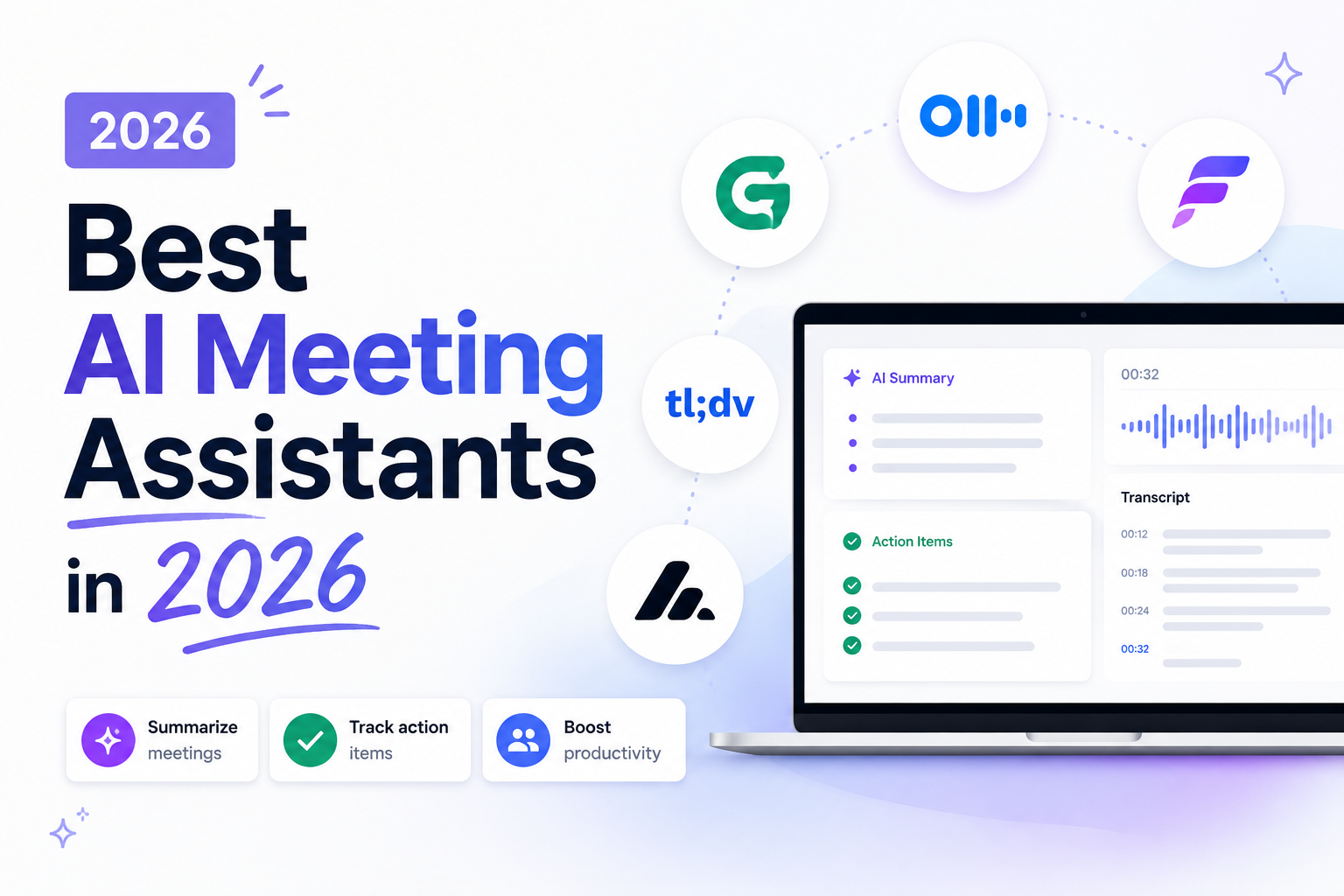
Best AI Meeting Assistants in 2026
Meetings generate decisions, action items, and important information — but most of that knowledge disappears shortly after the call ends.
That's why AI meeting assistants have become one of the fastest-growing productivity categories. Modern tools can transcribe conversations, generate summaries, identify action items, and help teams stay aligned without manually taking notes.
In this guide, we'll compare some of the best AI meeting assistants available in 2026 and help you choose the right one for your workflow.
What Is an AI Meeting Assistant?
An AI meeting assistant listens to conversations and automatically generates:
- Meeting transcripts
- Summaries
- Action items
- Decisions
- Follow-up notes
Most tools use a combination of speech recognition and large language models to transform conversations into structured information.
The goal is simple: spend less time writing notes and more time participating in discussions.
What Makes a Good AI Meeting Assistant?
Before comparing products, it's worth understanding what actually matters.
Accurate Transcription
Everything starts with transcription quality.
Poor transcripts lead to poor summaries, missed tasks, and incorrect decisions.
Useful Summaries
The best tools don't just summarize conversations.
They highlight:
- What happened
- What matters
- What decisions were made
- What needs to happen next
Action Item Extraction
One of the most valuable features is automatically identifying tasks and assigning owners.
Easy Setup
Some solutions require inviting bots into meetings.
Others work directly in the browser.
Your preferred workflow matters.
Privacy and Security
Meeting data often contains confidential information.
Always review how transcripts and recordings are stored before adopting any tool.
Best AI Meeting Assistants in 2026
1. Otter
Otter remains one of the most recognized names in meeting transcription.
Pros
- High-quality transcription
- Strong collaboration features
- Good speaker identification
- Established ecosystem
Cons
- Can feel heavy for individual users
- Requires additional setup
- Pricing increases quickly for teams
Best For
Teams that need collaboration and shared meeting records.
2. Fireflies
Fireflies focuses on meeting intelligence and integrations.
Pros
- Extensive integrations
- CRM workflows
- Searchable meeting history
- Strong automation features
Cons
- Large feature set can feel overwhelming
- Bot-based workflow isn't for everyone
Best For
Sales teams and organizations that rely heavily on integrations.
3. Fathom
Fathom has become popular because of its clean user experience.
Pros
- Excellent meeting summaries
- Fast setup
- Good user interface
- Free plan available
Cons
- Focused primarily on meeting workflows
- Less flexible outside supported platforms
Best For
Professionals who want a polished experience with minimal setup.
4. Granola
Granola takes a slightly different approach.
Instead of trying to automate everything, it focuses on augmenting personal note-taking.
Pros
- Lightweight workflow
- High-quality notes
- Designed for individual users
Cons
- Less focused on team collaboration
- Smaller ecosystem
Best For
Knowledge workers who already take notes and want AI assistance rather than full automation.
5. Browser-Based Meeting Assistants
A newer category of tools focuses on browser-native transcription.
Instead of inviting a bot into the meeting, these solutions work directly within the browser.
Pros
- Lightweight
- No meeting bot joins the call
- Fast setup
- Works naturally inside Chrome
Cons
- Depends on browser support
- Feature sets vary between products
Best For
Users who want quick access to transcripts and summaries without additional meeting participants.
AI Meeting Assistants Compared
| Feature | Otter | Fireflies | Fathom | Granola | Browser Extensions | | ---------------------- | ------- | --------- | ------- | ------- | ------------------ | | Transcription | ✅ | ✅ | ✅ | ✅ | ✅ | | Summaries | ✅ | ✅ | ✅ | ✅ | ✅ | | Action Items | ✅ | ✅ | ✅ | Limited | Varies | | Bot Required | Usually | Usually | Usually | No | No | | Easy Setup | Medium | Medium | Easy | Easy | Very Easy | | Works Across Platforms | Yes | Yes | Mostly | Mostly | Often |
Which AI Meeting Assistant Should You Choose?
The answer depends on your workflow.
Choose Otter if:
- You need collaboration features
- You work in larger teams
- You want a mature platform
Choose Fireflies if:
- You need CRM integrations
- You automate workflows
- You want advanced meeting intelligence
Choose Fathom if:
- You want strong summaries
- You value simplicity
- You prefer a polished experience
Choose Granola if:
- You already take notes
- You want AI assistance instead of full automation
Choose browser-based assistants if:
- You want something lightweight
- You don't like meeting bots
- You need quick access to transcripts and summaries
Common Questions
Are AI Meeting Assistants Accurate?
Modern tools are surprisingly accurate when audio quality is good.
However, speaker overlap, accents, background noise, and technical terminology can still reduce accuracy.
Do AI Meeting Assistants Record Meetings?
Some tools record meetings, while others only generate transcripts.
Always review privacy settings and organizational policies before use.
Are AI Meeting Assistants Worth It?
For people who attend multiple meetings per week, the time savings can be significant.
Many users recover several hours every month by eliminating manual note-taking and follow-up documentation.
Final Thoughts
AI meeting assistants are quickly becoming standard productivity tools for remote teams and knowledge workers.
The best solution isn't necessarily the one with the most features. It's the one that fits naturally into your workflow and helps you capture important information without adding friction.
Whether you prefer a full-featured platform like Otter or Fireflies, a lightweight tool like Granola, or a browser-native approach that avoids meeting bots altogether, there are now more options than ever for turning conversations into useful knowledge.